
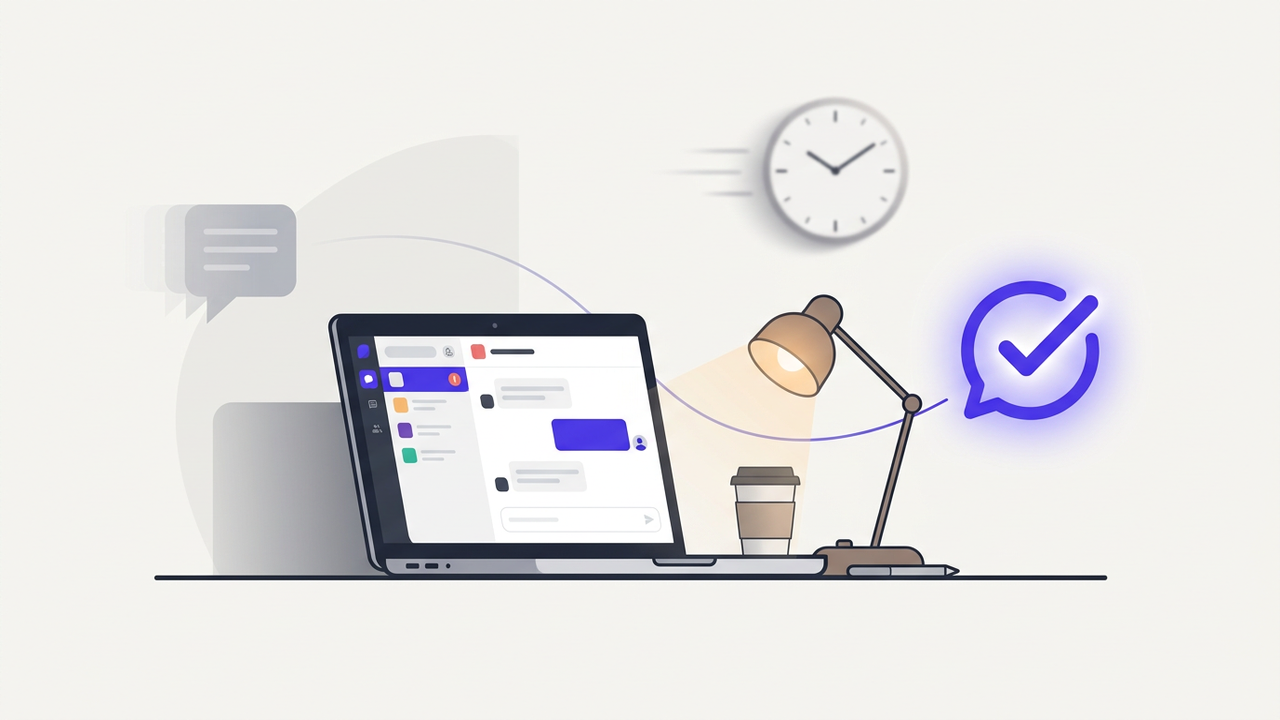
You get a new lead. They fill out your website form, send you a Facebook message, call your business, or ask for a quote. You think, “Great. We have a new potential customer.” Then something happens. You get busy. Your team is dealing with existing customers. The message gets buried. You tell yourself, “I’ll reply later.” A few hours pass. Maybe a day. And when you finally respond, the customer is no longer interested. The lead has gone cold.
This happens to businesses every day. And in many cases, the problem is not the product, the service, the price, or even the marketing campaign.
The problem is simply that the business responded too slowly.
Modern customers expect quick answers. When someone is actively looking for a product or service, they usually do not contact only one business. They may contact three, five, or even ten businesses at the same time.
The business that responds quickly has a huge advantage.
What does it mean when a lead goes cold?
A lead goes cold when a potential customer was previously interested but stops responding, loses interest, delays the purchase, or chooses another business.
For example, imagine someone searching for a web design agency.
They visit your website and submit a form saying, “I need a website for my business. Can you send me a price?”
You receive the notification at 10:00 AM.
But you are busy with another project, so you decide to reply after lunch.
At 3:00 PM, you finally send a message.
No response.
The next day, you follow up again.
Still nothing.
What happened?
There is a good chance the customer already spoke with another agency and moved forward with them.
Your offer may have been perfectly good. You simply arrived too late.
Why do leads go cold?
There is rarely one single reason. Usually, several small problems combine to create the same result.
1. You respond too slowly
This is one of the biggest reasons.
A customer who just submitted a form is interested right now. Their problem is fresh in their mind. They are actively looking for a solution.
If you wait several hours before responding, that buying momentum can disappear.
They may become distracted, contact another company, or simply forget about the conversation.
You do not necessarily need a salesperson available 24 hours a day.
You need a system that can acknowledge the lead immediately and make sure the conversation does not disappear.
2. Leads are coming from too many places
Today's businesses rarely receive leads from one channel.
You might receive leads from your website, Facebook, Instagram, WhatsApp, email, Google Business Profile, phone calls, landing pages, advertisements, and other platforms.
That creates another problem.
Your team has to check multiple platforms just to find out who needs a response.
One message sits in Facebook Messenger.
Another is sitting in your email inbox.
Someone else submitted your website form.
Another customer called after business hours.
When leads are scattered across different platforms, it becomes much easier to miss them.
3. Nobody owns the follow-up
Another common problem is assuming someone else will follow up.
A lead comes in and one employee thinks another employee is handling it.
The next person thinks the sales manager is handling it.
And eventually, nobody follows up.
This is not always a people problem. It is often a process problem.
A good automation system can automatically assign the lead, notify the right person, create a follow-up task, and track what happens next.
4. You only follow up once
Some businesses send one message and stop.
“Hi, just checking if you're still interested.”
Then nothing.
But customers are busy too.
A customer may have seen your message while driving, working, eating dinner, or dealing with another problem.
They may still be interested but simply forgot to respond.
A structured follow-up sequence can remind them without requiring your team to manually remember every conversation.
The hidden cost of slow lead response
Slow response times do more damage than most businesses realize.
You already spent money to generate that lead.
Maybe you paid for Google Ads.
Maybe you paid for Facebook advertising.
Maybe you invested hours creating content and building your website.
Maybe you spent money on SEO.
All of that effort creates the opportunity to speak with a potential customer.
But if the lead arrives and nobody responds, the investment can be wasted.
This is why lead management is just as important as lead generation.
What should happen when a new lead arrives?
Ideally, something should happen immediately.
Imagine this workflow:
New Lead → Capture Information → Instant Response → Lead Qualification → Assign Team Member → Follow-Up → Track Result
Instead of relying on someone to remember every step, the system handles the repetitive parts automatically.
Your team can then focus on the conversation instead of the administration.
Step 1: Capture every lead automatically
The first step is making sure every lead enters one reliable system.
A website form can send the information into your CRM or Google Sheets.
A Facebook or Instagram message can trigger an automation.
An email inquiry can create a new lead record.
A phone call can be logged through your voice system.
The goal is simple: no lead should disappear simply because it came through a different channel.
Step 2: Respond immediately
The first response does not have to be complicated.
Sometimes a simple message is enough:
“Thanks for reaching out. We received your request and someone from our team will get back to you shortly.”
That small message does something important.
It tells the customer that their request was received.
They are no longer wondering whether anyone saw their message.
For businesses that receive a large number of inquiries, an AI website chat widget or AI voice agent can go even further by answering common questions and collecting information before a human gets involved.
Step 3: Qualify the lead
Not every lead is equally valuable.
Some people are ready to buy.
Some are just researching.
Some are asking questions.
And some are simply not a good fit.
Automation can help collect important information such as the customer's name, company, budget, service requirement, timeline, location, and other qualifying details.
This gives your sales team context before they start the conversation.
Instead of asking the customer the same basic questions again, your team can start with a much better understanding of what they actually need.
Step 4: Assign the lead to the right person
Once the lead has been captured and qualified, the next step is making sure it reaches the right person.
For example, a sales inquiry can go to the sales team.
A support request can go to customer service.
A high-value lead can be sent directly to a senior salesperson.
This can all happen automatically based on rules you define.
Step 5: Create automatic follow-ups
This is where automation becomes extremely useful.
Instead of asking your team to remember every follow-up, you can create a sequence.
For example:
- Immediately: Send an acknowledgement.
- After a few hours: Send a helpful follow-up.
- Next day: Check whether the customer still needs assistance.
- After several days: Send a final friendly follow-up.
- If the customer responds: Stop the automated sequence.
The important part is that the automation should not continue sending messages after the customer has already responded.
Good automation is not about sending more messages.
It is about sending the right message at the right time.
What about leads that call your business?
Phone calls create another challenge.
Someone calls your business after hours.
Nobody answers.
The customer moves on.
This is where an AI voice agent can help.
Instead of sending the customer to voicemail, an AI voice agent can answer common questions, collect lead information, qualify the caller, and potentially schedule an appointment based on your business rules.
Your team can then receive the information and continue the conversation when necessary.
What about website visitors?
Your website may be getting traffic every day, but that does not mean those visitors are becoming leads.
Some visitors have questions before they are ready to contact you.
They may want to know your pricing, availability, service area, process, or whether you work with businesses like theirs.
A website chat widget can answer common questions instantly and guide visitors toward the next step.
Instead of simply saying “Contact Us,” the website can actually start the conversation.
What if the lead comes from social media?
Social media creates another common problem: messages and comments can get buried.
Someone comments, “How much?”
Someone else writes, “Can you deliver to my area?”
Another person sends a direct message.
If your team is manually checking everything, it becomes difficult to keep up.
Automation can help identify common questions, send approved responses, notify your team about important conversations, and keep a record of the interaction.
Automation does not mean removing humans
This is an important point.
Some businesses think automation means replacing their sales or customer service team.
That is not the goal.
The goal is to remove repetitive work so your team can spend more time doing the work that actually requires a human.
A simple pricing question might be automated.
A serious complaint should probably go to a human.
A basic appointment request can be automated.
A complicated negotiation should probably involve your sales team.
The best systems know when to automate and when to hand the conversation back to a person.
A simple lead automation workflow
A basic system might look like this:
New Lead → Instant Response → Qualification → CRM/Google Sheets → Team Notification → Follow-Up → Appointment → Customer
You can build more advanced versions depending on your business.
For example, a high-value lead could trigger an immediate Telegram or Slack notification to your sales team.
A lead that does not respond could automatically enter a follow-up sequence.
A lead that books an appointment could automatically be removed from the follow-up sequence.
And all of those actions can be recorded so you can see exactly what happened.
How do you know if your leads are going cold?
You cannot improve what you do not measure.
Start tracking a few simple numbers:
- Number of new leads.
- Average response time.
- Percentage of leads contacted.
- Number of follow-ups sent.
- Appointment booking rate.
- Lead-to-customer conversion rate.
- Number of leads that become unresponsive.
If you discover that you receive 100 leads every month but only contact 70 of them, you already have a major opportunity.
You may not need more leads.
You may simply need to manage the leads you already have better.
Start with one problem
You do not need to automate your entire business on day one.
In fact, trying to automate everything at once usually makes things more complicated.
Start with the biggest bottleneck.
If you are losing leads because nobody responds quickly, automate the first response.
If your team forgets follow-ups, automate the follow-up process.
If your staff spends too much time answering the same questions, add an AI chat system.
If you miss phone calls, consider an AI voice agent.
If leads are scattered across different platforms, create a unified workflow.
Solve one problem, measure the result, and then improve the next one.
Final thoughts
Most businesses do not have a lead problem.
They have a lead management problem.
You can spend thousands on advertising and generate hundreds of new inquiries, but if your team cannot respond, qualify, and follow up consistently, many of those opportunities will disappear.
The good news is that you do not have to hire a huge team to fix this.
With the right automation, your business can respond faster, organize leads, automate repetitive conversations, follow up consistently, and make sure important opportunities do not get forgotten.
The goal is not to make your business feel robotic.
The goal is to make sure your customers get a fast response while your team gets more time to have real conversations.
FAQ
How quickly should I respond to a new lead?
As quickly as possible. Even if a human cannot respond immediately, an automated acknowledgement can confirm that the inquiry was received and set expectations for the next response.
Can AI respond to every lead?
It can handle many repetitive and predictable conversations, but not every conversation should be automated. Sensitive complaints, complex negotiations, and unusual situations should have a human-review option.
Can I automate leads from Facebook and Instagram?
Yes. Depending on the available platform integrations and permissions, you can create workflows that capture messages or inquiries, classify them, notify your team, and trigger appropriate responses.
Can automation stop follow-ups when a customer replies?
Yes. A properly designed workflow can monitor the conversation and stop or change the follow-up sequence when the customer responds.
Do I need a CRM to automate lead management?
Not necessarily. You can start with tools such as Google Sheets, email, forms, messaging platforms, and automation tools. As your business grows, you may benefit from moving to a dedicated CRM.
What should I automate first?
Start with the process that is repetitive, happens frequently, and directly affects revenue. For many businesses, that means lead capture, instant response, follow-up, appointment booking, or customer questions.
Ready to Stop Losing Leads?
If leads are coming in but too many of them are disappearing somewhere between “I'm interested” and “Let's get started,” you probably do not need another complicated marketing campaign.
You may need a better system behind the scenes.
We can help you map out where your leads are coming from, where they are getting stuck, and which parts of the process can be automated without taking the human side out of your business.